
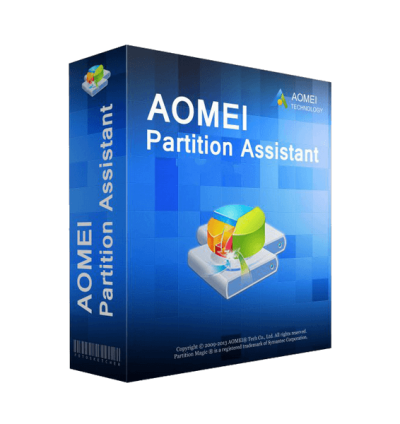
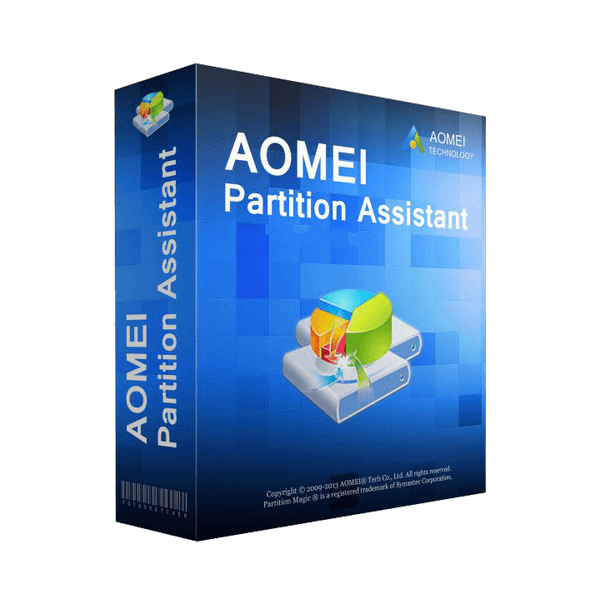
AOMEI Partition Assistant Technician
All-in-one hard disk partition management toolkits for distributed enterprises and service providers
90-Day Unconditional
Money Back Guarantee
License Code
Instant Delivery
Perpetual Free
Technical Support
256-Bit SSL
Secure Order
Uncover new revenue stream to grow your business:
Maximize disk space usage and minimize machine downtime.
Create portable version to facilitate IT maintenance and support engineers.
One license for unlimited PCs and servers within multiple companies.
Provide billable technical support as services to unlimited clients.
Yearly
Automatic renewal. Free get all updates during your subscription period.
Unlimited Computers / License
$ 599 .00
Buy Now
Lifetime
One-time payment. Lifetime free upgrades to any later new versions.
Unlimited Computers / License
$ 799 .00
Buy Now
TRY DEMO FOR FREE >>
Recommended by top companies
All-inclusive Hard Disk Partition Management Toolkit for Enterprises and MSPs
AOMEI Partition Assistant Technician is a valuable and independent hard disk management and partition software. It is suitable for enterprises with multiple subsidiaries, allowing them to manage large distributed groups of PCs and servers at multiple locations. Additionally, it is designed for service providers to generate new revenue streams by providing paid technical services to their clients.
Unlimited Activations
With a single Technician license, you can activate the program on an unlimited number of PCs and servers.
Multiple Locations
Suitable for the enterprise which has multiple branches at different locations. No extra charge for increasing branches.
Revenue Stream
For IT professionals, system administrators, technicians, and consultants to provide billable technical support as a service to unlimited clients.
Solve Hard Disk Problems for Enterprise in Minutes
Tap into the disk potential and manage partitions efficiently
Reliable Disk Partition Toolkit
AOMEI Partition Assistant providing users with a wide array of features and functionalities for efficient and flexible disk partition management. Whether it's resizing, moving, merging, deleting, or formatting partitions, AOMEI Partition Assistant offers a user-friendly interface and robust capabilities to meet the diverse needs.
I have used the program a couple of times to reduce the D: drive’s volume and increase the C: drive. The program works very well. Very simple to use, and I never worry about data loss.
-- IT Engineer
System and Data Migration Software
Migrate Windows OS to SSD/HDD without reinstalling everything, fully bootable like in the original location. Transfer app or big folder from one drive to another drive without any data loss. Clone all content of one disk or partition to another one with the "Disk Clone" or "Partition Clone".
I used this software to migrate Windows 10 to SSD for improving PC’s performance and move some big applications from C: drive to D: drive to free up more space. It is fast and safe, all data has been transferred completely. Highly recommended.
-- System Administrator
Holistic Solution for Optimizing PCs’ Performance
Involved a combination of several techniques and tools to improve the overall performance of a computer. Include PC Cleaner, Delete Large Files, Disk Defrag, etc.
It did a good job that helped us improve the performance of our PCs. This greatly improved our efficiency.
-- Chief Operating Officer
Safely Hard Disk Converter
Easily convert GPT to MBR, or convert MBR to GPT for full use of disk larger than 2TB. Convert dynamic disk to basic disk, and vice versa without any data loss. Convert logical partition to primary partition, convert primary partition to logical partition safely. Convert FAT32 to NTFS partition, or convert NTFS to FAT32 partition with data safe.
I use it to convert my 3TB disk from MBR to GPT for full using. It’s easy and safe.
-- IT Professional
Data Protector
A data breach may cause an immeasurable losses of enterprises. The functions “file shred”“wipe partition”“wipe hard drive”“secure erase SSD” will erase data permanently to make sure no one can revert the deleted data back, ensure no data breach; while, partition or data recovery will help you avoid data loss.
All our members are using Partition Assistant to shred files, or clean disks. Data breach protection is very important to us, and it helps a lot! Thank you!
-- Corporate Senior Manager
Powerful & Useful Tools
Create a bootable media to troubleshoot problems or recover data when system fails to boot with Make Bootable Media. Bring your own device(BYOD) and take your own work environment everywhere via Windows to Go Creator. Copy the AOMEI Partition Assistant to a removable device so that directly run it on target computers without installing. Windows Reset Password will help you reset or remove the Windows login password.
I used Windows To Go Creator of Partition Assistant to realize BYOD. That is cool, and now, I can work at home with the same operating system as my office’s.
-- Technician
Tech Specification
Supported Operating System
Windows Server 2025
Windows Server 2022
Windows Server 2019
Windows Server 2016
Windows Server 2012 and 2012 R2
Windows 11/10/8.1/8/7
Supported File System
NTFS
FAT32/FAT16/FAT12
exFAT/ReFS *
Ext2/Ext3/Ext4 *
Bitlocker, other file systems *
* The file system cannot be resized but you can create, delete, format, move and copy them.
Supported Device Types
HDD/SSD/SSHD
All hardware RAID
IDE, SATA, iSCSI, SCSI disk
IEEE1394 (FireWire)
USB 3.0/2.0/1.0 disks
Removable devices
Virtual disk partition
UEFI/EFI boot device
Why Choose AOMEI Partition Assistant Technician?
High-Effective
Improved algorithms to ensure a faster & safer process of disk management to minimize Server downtime.
100% Safe
Enhanced data protection technologies to keep data safe.
Completely Simple
Flexible and adjustable drag & drop interface making what was complicated simple.
100% Reliable
We have focusing on partition management over 16 years, and has been approved by 80+ million users over 180+ countries.
No reviews found!

No comments found for this product. Be the first to comment!